

Microsoft 365
Microsoft 365 setup, migration and management
We set up Exchange Online email, Teams, SharePoint and OneDrive the right way, secure them, and support your team every day.
- Microsoft CSP partner
- In business since 2008
- CompTIA certified
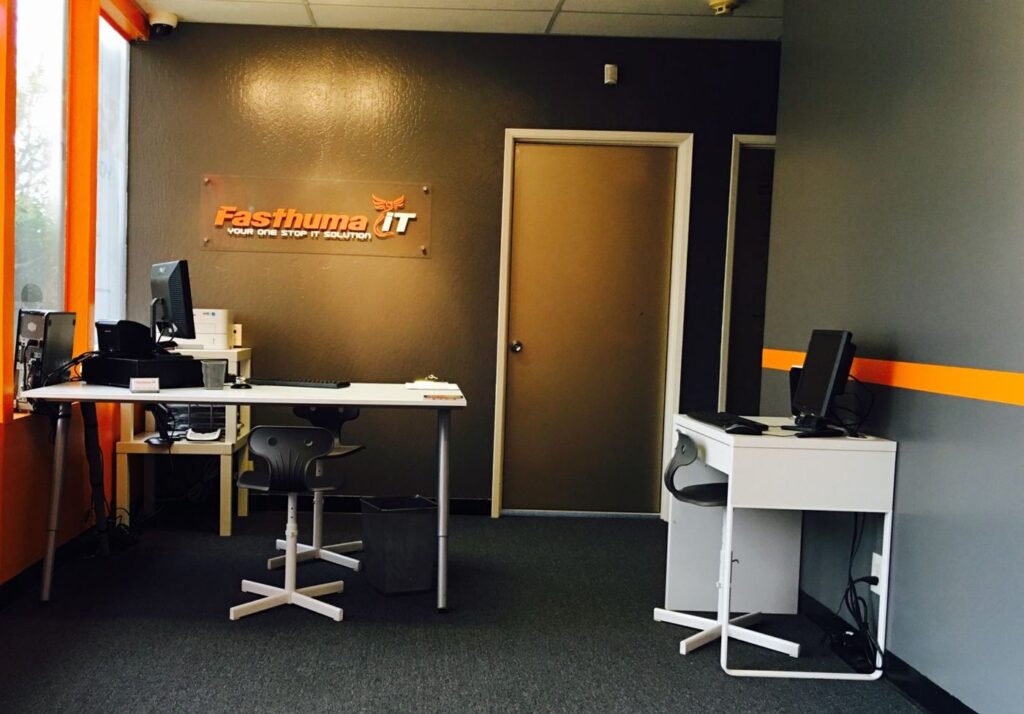
- Office in Fremont, CA
Quick answer
Fasthuma IT Solutions & MSP is a Microsoft CSP partner in Fremont, CA that provides Microsoft 365 licensing, setup, migration, security hardening and everyday support for Bay Area businesses with 5 to 500 employees.
Microsoft 365, set up right from day one
Most businesses already pay for Microsoft 365. Far fewer have it set up so that email is protected, files are shared the right way and the right people can sign in. We take care of the whole tenant: licenses, users, security settings, email, Teams, SharePoint and OneDrive.
Because we are a Microsoft CSP partner, your licenses can be billed through us, so one team handles both the subscription and the support.
What’s included
- Licensing through our Microsoft CSP partnership, sized to what each person actually uses.
- Tenant setup and DNS records for email: SPF, DKIM and DMARC.
- Migration of mailboxes, calendars, files and Teams from your current system.
- SharePoint and OneDrive structure and sharing permissions.
- Sign-in security: multi-factor authentication (MFA) and conditional access.
- Microsoft Defender policies for email and devices.
- Device enrollment with Microsoft Intune (Business Premium).
- User onboarding and offboarding, so access starts and ends on the right day.
- Help desk for everyday Microsoft 365 questions.
How it works
How we work on Microsoft 365
1
Tenant and license review
We look at your current Microsoft 365 tenant, licenses, users and security settings.
2
Written plan
You get a plan with what we’ll change, in what order, and the cost.
3
Setup or migration
We make the changes or move your data, and cut over when it least disrupts your team.
4
Ongoing management
Day-to-day support, license changes and regular reviews.
Solutions
Problems this helps solve

Remote Workforce
Secure work from home or the road with Microsoft 365, Azure Virtual Desktop and managed devices.

Secure Microsoft 365
Lock down Microsoft 365: MFA, conditional access, Defender policies, email authentication and backup.

Identity Security
One protected sign-in for every app with Microsoft Entra ID, MFA, YubiKeys and conditional access.
Simple, flat-rate pricing
One monthly Flame, Blaze or Inferno plan per workstation, and migrations quoted at a fixed price after a $1,500 Ignite assessment, so you know the cost before any work starts.
FAQ
Microsoft 365 questions
Which Microsoft 365 plan does my business need?
It depends on what your team uses. Business Basic covers web and mobile apps, email and Teams; Business Standard adds the desktop Office apps; Business Premium adds Intune device management and stronger security. We review how each person works and recommend the right mix. Microsoft lists the plans on its compare page.
Can you take over our existing Microsoft 365 tenant?
Yes. We can manage an existing tenant, and move your licenses to our CSP billing if you want one bill and one team for both.
How long does a Microsoft 365 migration take?
It depends on the number of mailboxes, the amount of data and where it is coming from. You get a written timeline in the plan before we start.
Do you support Microsoft Teams?
Yes: setup, channels and permissions, guest access and everyday support. For phone systems we also work with RingCentral as a channel partner.
What happens to our data if we stop working with you?
Your Microsoft 365 data stays in your tenant. We help transfer administration and licensing to whoever you choose.
Let’s look at your Microsoft 365 and Azure setup together
Book a free consultation by phone, at our Fremont office or at yours. We’ll review where you are and recommend next steps, with no obligation.